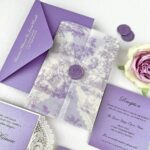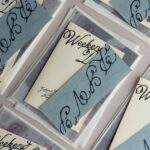
Wedding newspaper programs run from a single crossword grid or a stack of rolled copies tied with twine to a full keepsake paper with a timeline and guest awards.
How much text and how many photos you can gather before the print deadline decides which one is yours: a family that can hand over childhood originals early can carry a cover feature, while a thinner stack of material fits a simple crossword or a bridal party page.
1. Crossword Puzzles
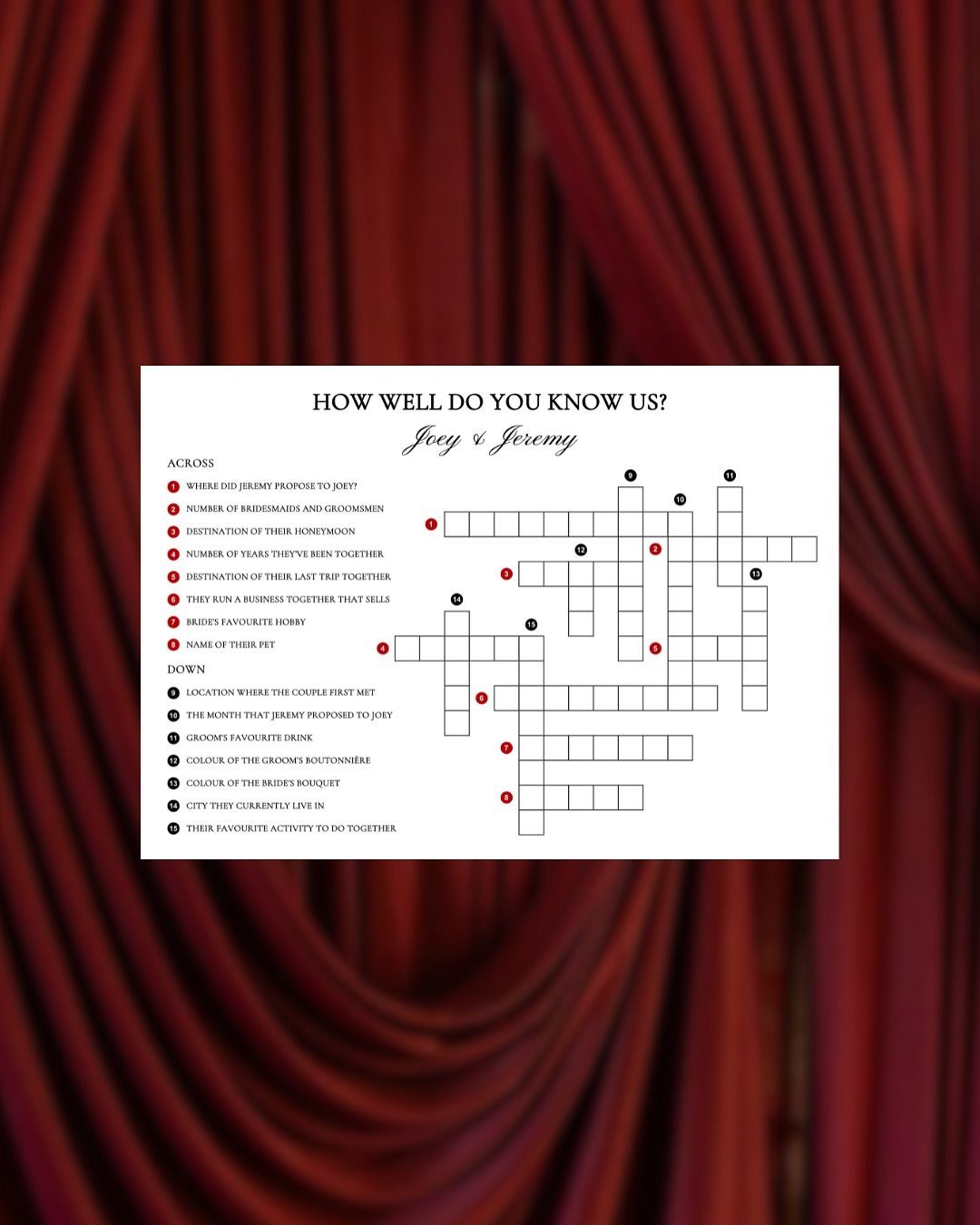
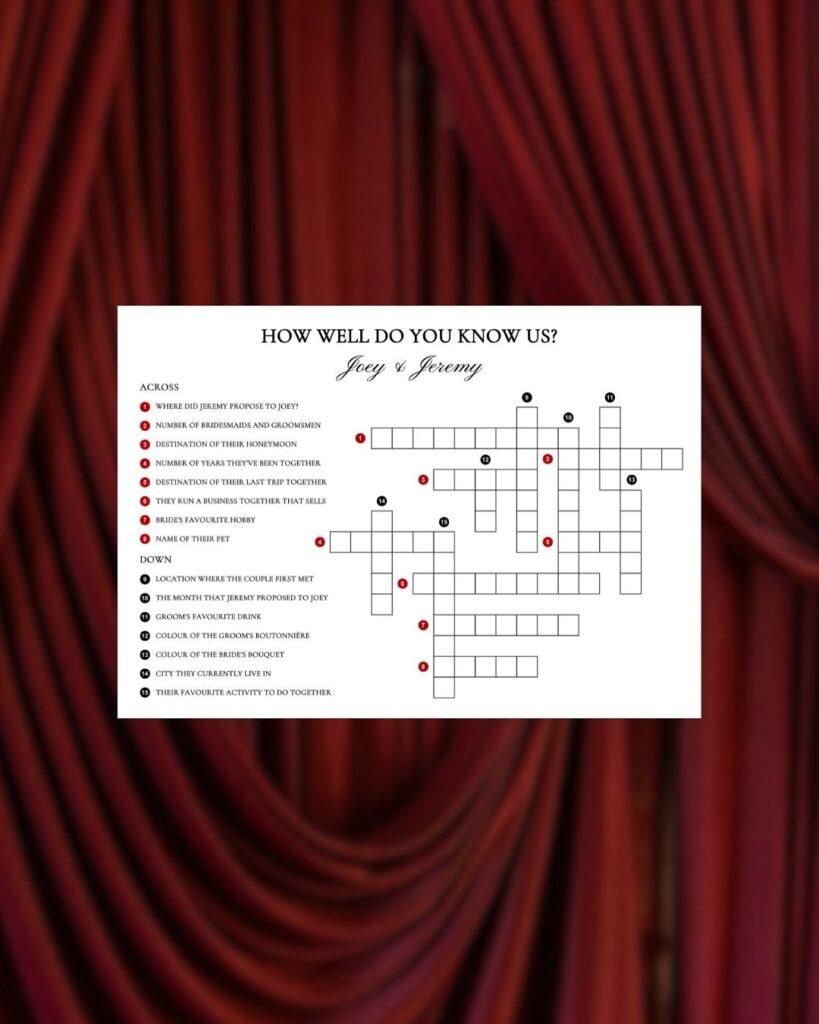
A crossword titled "How Well Do You Know Us?" turns the program into something guests do while the ceremony music plays.
Clues about the two of you, like where you met or whose cooking is worse, give the page a job beyond listing the order of events.
Build the grid with a free online crossword maker, and keep the answer list short so a guest can finish it before the first dance. Put the answer key on the back, or read it aloud during the reception.
2. Bridal Party Pictures and Names
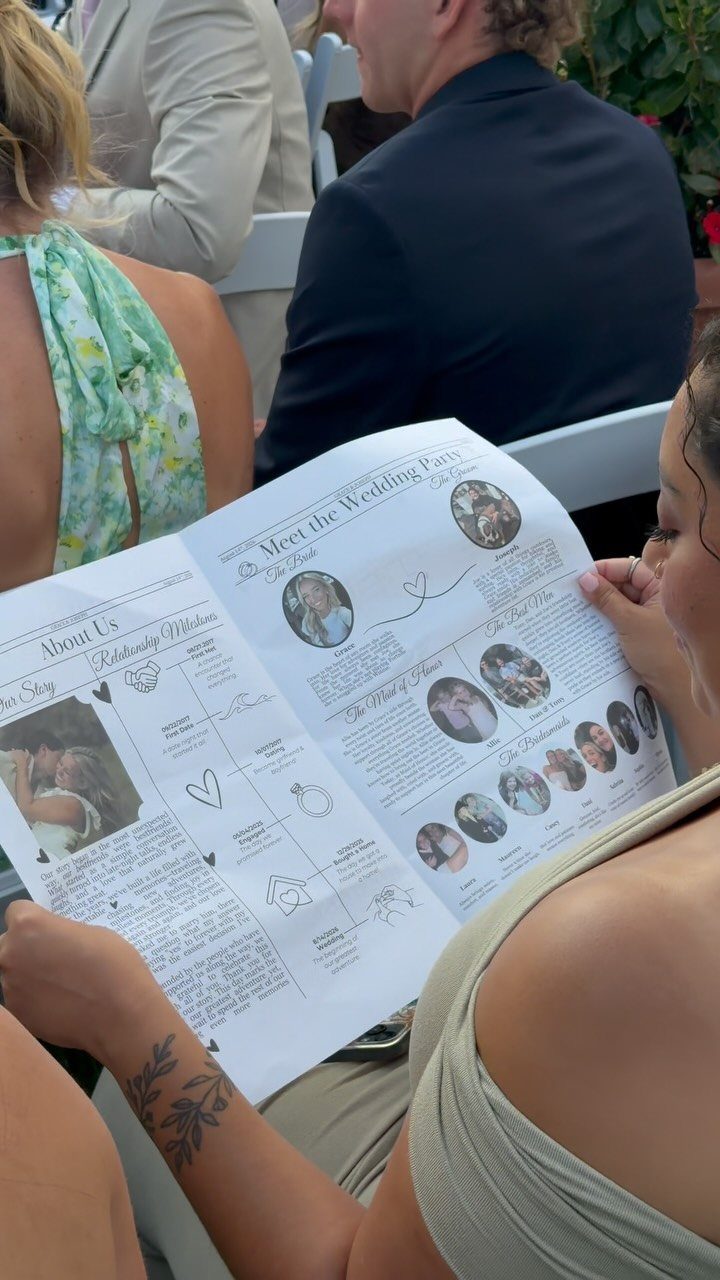
Faces and names beside a "Meet the Wedding Party" heading help guests who know only one side of the room. Your cousin’s college roommate becomes a person with a name, a role and a smile.
Give each photo a one-line caption: name, relationship to you, and maybe one fun fact.
Use pictures with similar framing, shoulders up, so the grid looks tidy. Cropping everyone to the same square costs nothing and does more for the layout than any font choice.
3. Keepsake Wedding Newspaper
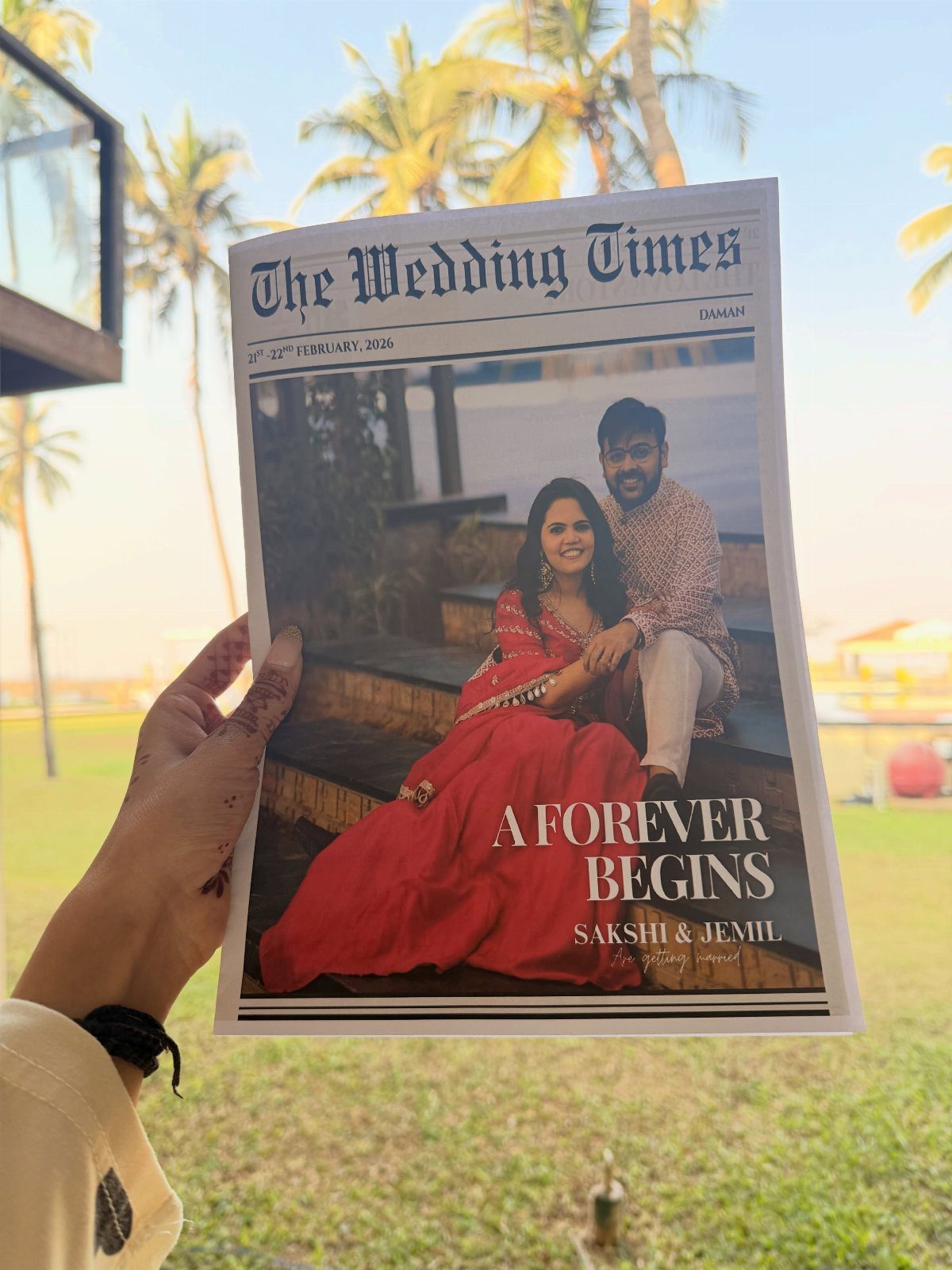
Done fully, a newspaper like "The Wedding Times" works as a keepsake, not a program that ends up under a chair.
A cover photo of the two of you, a headline built on your names, and articles about your story give guests something to carry home.
I would pick a cover photo with plenty of open space so the headline stays readable. Save the masthead style for last; a clean serif font reads as newsprint faster than any gimmick.
4. Wire Rack Display Stand
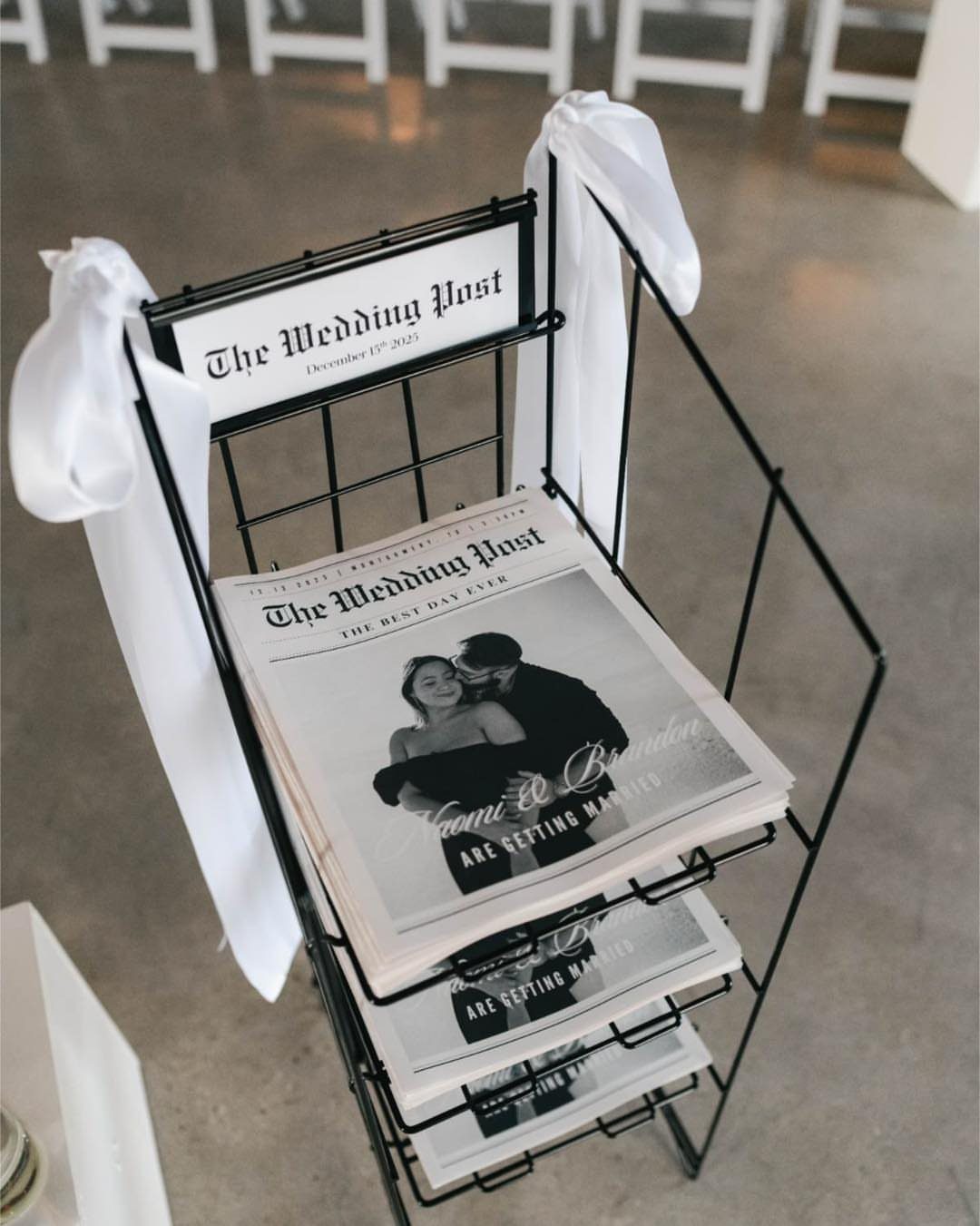
A black wire floor rack holds a stack of newspapers at guest height, so people take one on the way to their seats. Ribbons in white tie it to the rest of the decor without extra spending.
Set the rack near the entrance, not beside the aisle, so arriving guests don’t bunch up. Fill it fully; a half-empty rack looks like you ran short, and printing a few extra copies is cheap insurance.
5. Rolled Newspapers Tied with Twine
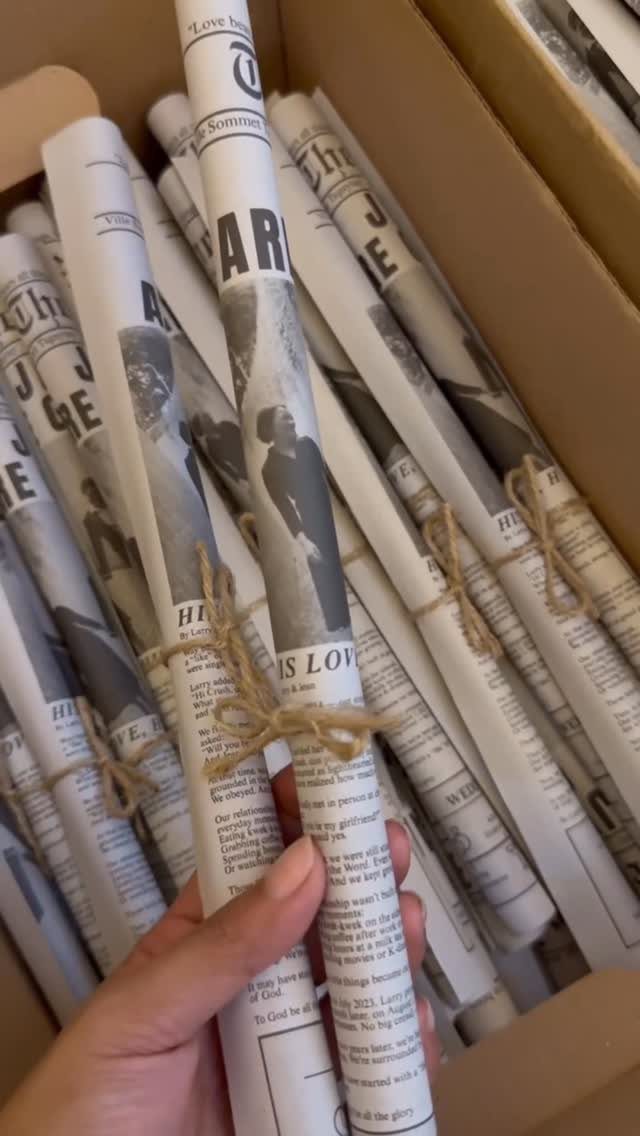
Rolling each paper and tying it with twine gives a stack of printed sheets the look of a delivered newspaper. Rustic twine costs very little and takes a minute per copy once you get a rhythm.
Roll with the cover facing out so your headline shows through the twine.
Tie the knots at the center, not the ends, so the paper doesn’t flare open. Pack the rolls in a box and let a helper hand them out at the door, or set the box by the entrance.
6. Bilingual or Colorful Accent Layout
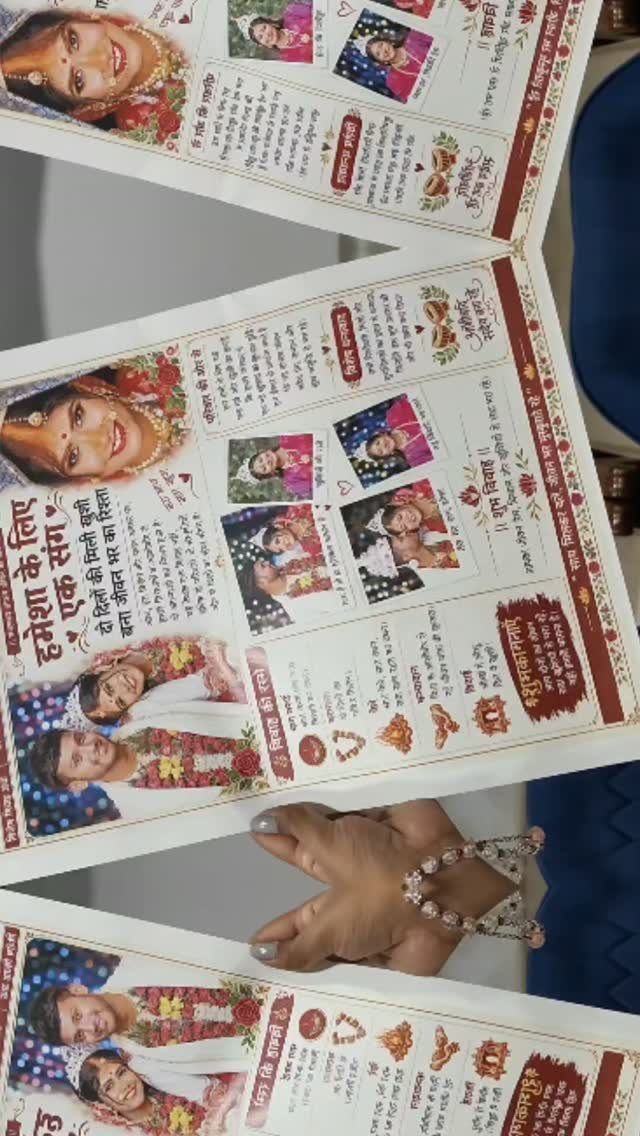
Red and gold borders give a newspaper layout instant festivity, and text in a second language makes the page feel true to the families it serves.
Hindi headings sit well beside English captions, so grandparents and friends each get a page they can read.
Choose one accent color pair and use it only for borders and headlines; body text stays dark and plain.
Have a fluent reader proofread every translated line before printing, because one wrong character is hard to forgive once it is on every copy.
7. Childhood Photos Cover Feature
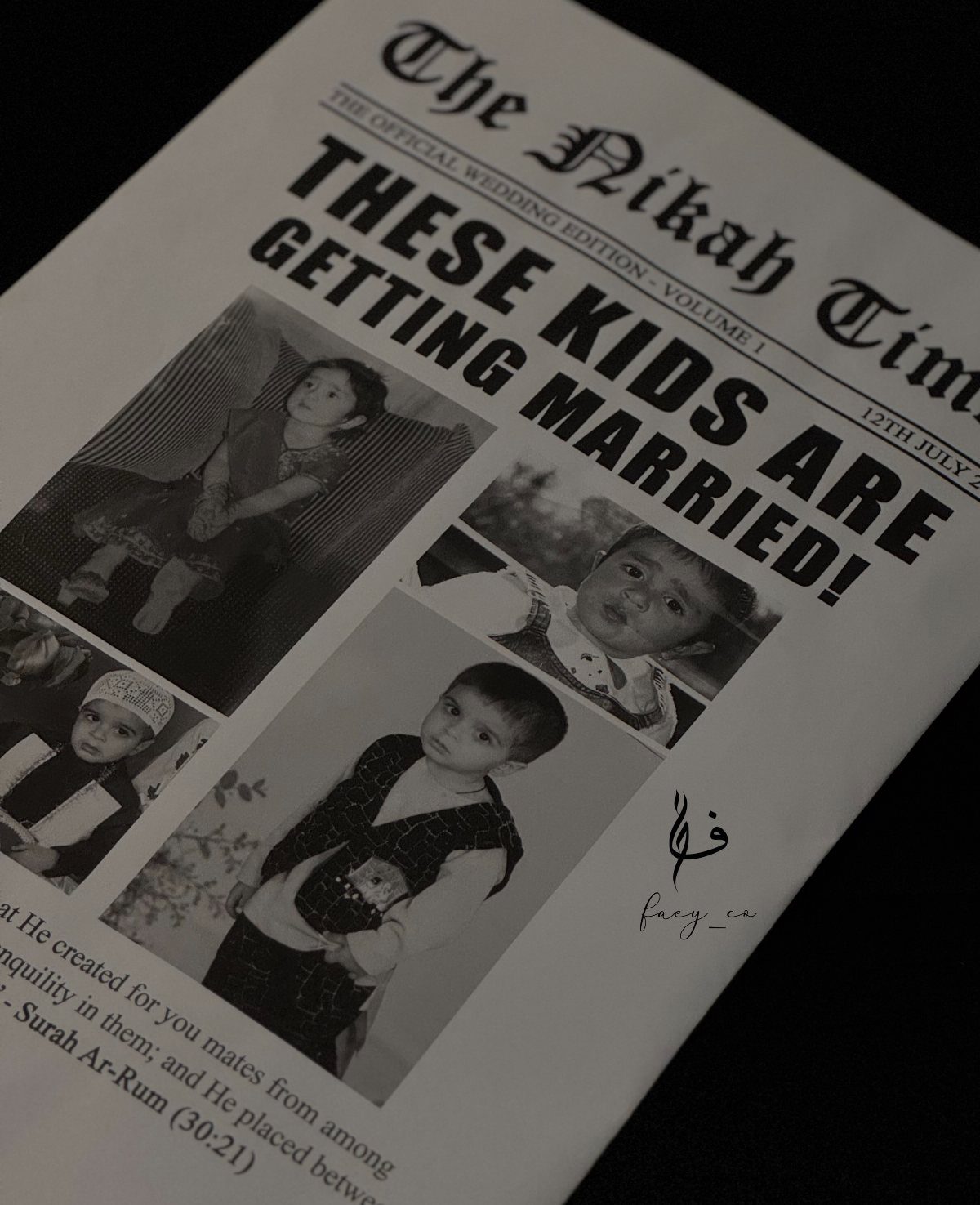
3 childhood photos under a headline like "THESE KIDS ARE GETTING MARRIED!" make a front page guests read first, because everyone wants to guess who is who.
A black and white treatment helps, since scanned snapshots from different decades match once the color is gone.
Ask both families for the originals early and scan them at a high setting so they hold up in print.
Keep the captions short and teasing. A verse placed on the same page gives the cover some weight beside the jokes.
8. He Likes, She Likes Feature
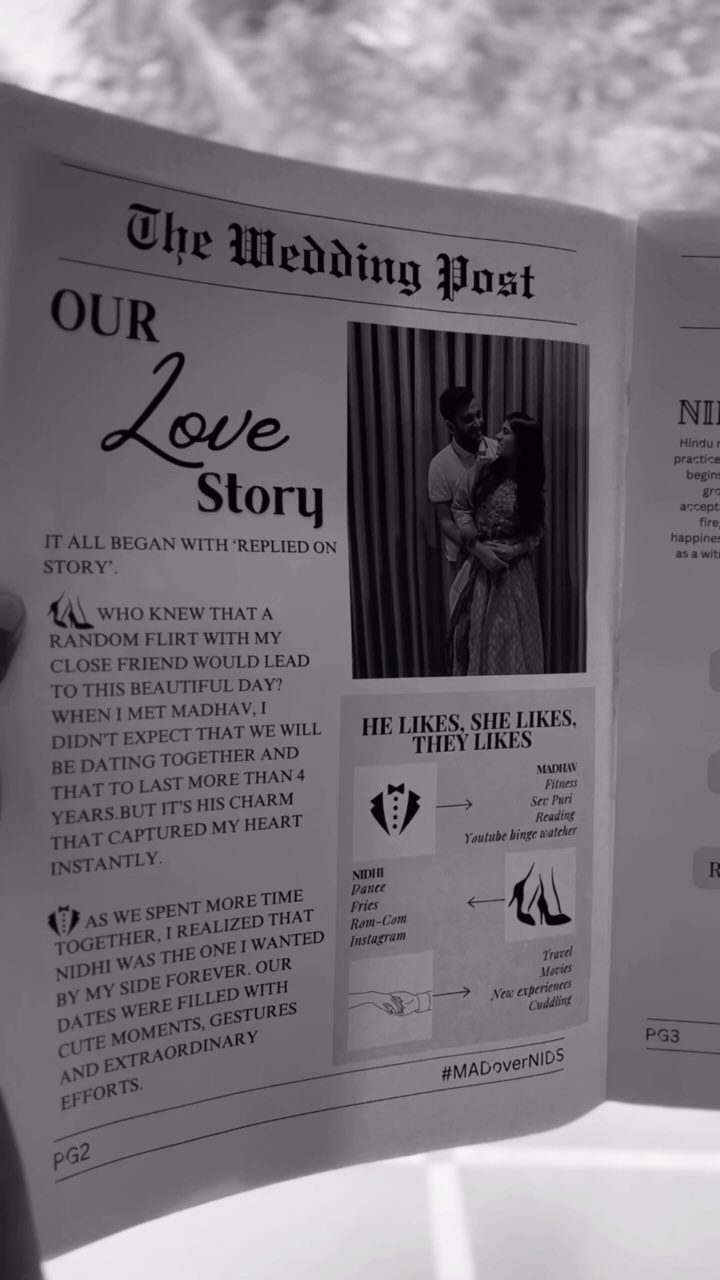
A "He Likes, She Likes" column gives guests a quick laugh and a real feel for the two of you. Pair it with a short love story and one photo, as a newspaper page naturally would.
Keep the list to 5 or 6 matched pairs, such as coffee against tea, so the column stays short beside the story.
Write the answers together, then trim the weakest ones. Opposites are funnier than agreements, so lead with the biggest mismatch.
9. Guest Awards and Timeline Layout
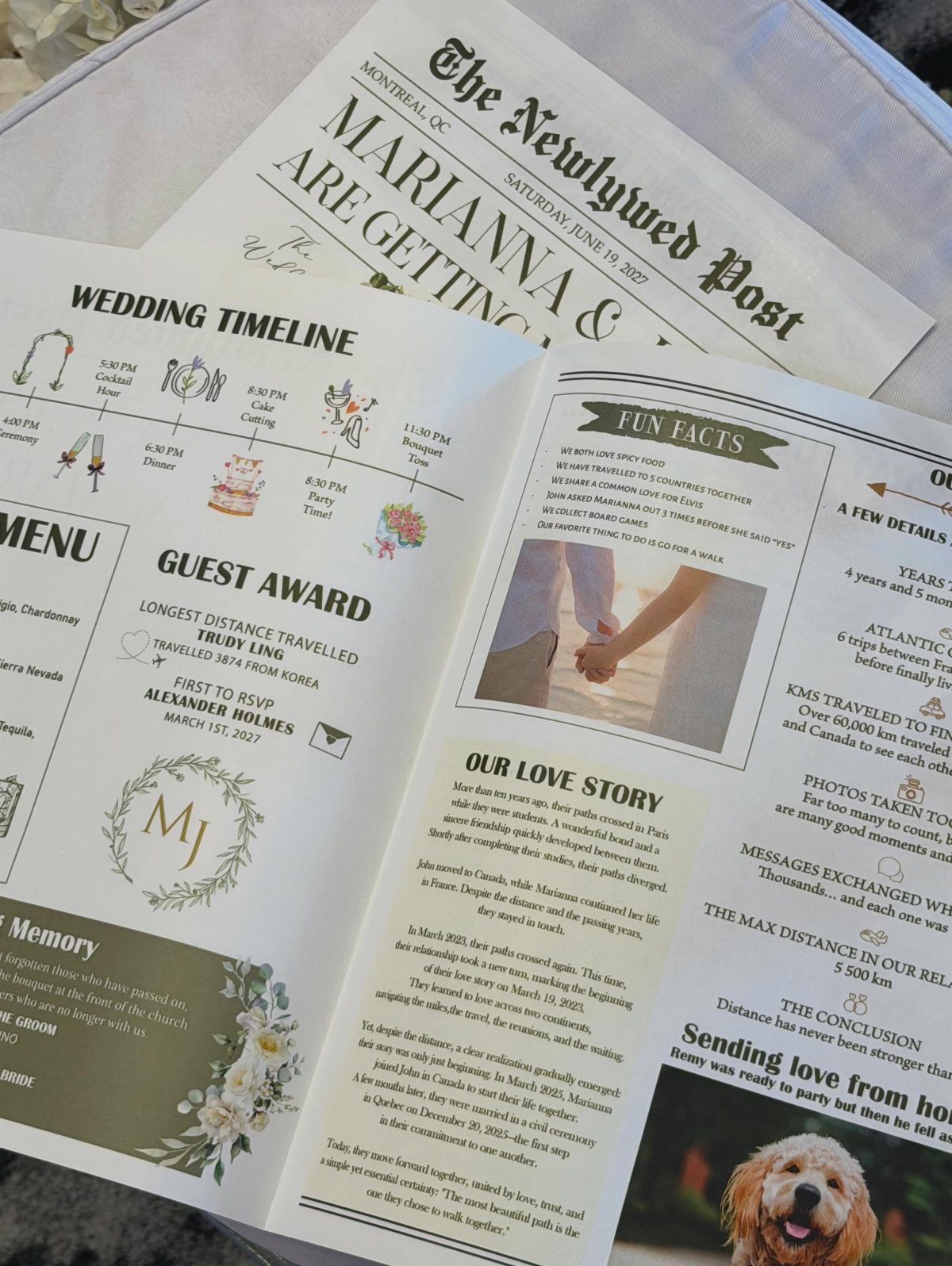
Lighthearted guest awards turn readers into part of the story. Titles like "Best Dancer" or "Traveled Farthest" cost nothing, and guests hunt for their own names.
Pair the awards with a timeline, a love story and a few fun facts, and the page covers the whole day.
I would draft the timeline first, since it sets the column widths for everything else. Keep awards kind: pick people who will enjoy being named, and read each line twice before printing.
10. Fan-Arranged Program Presentation
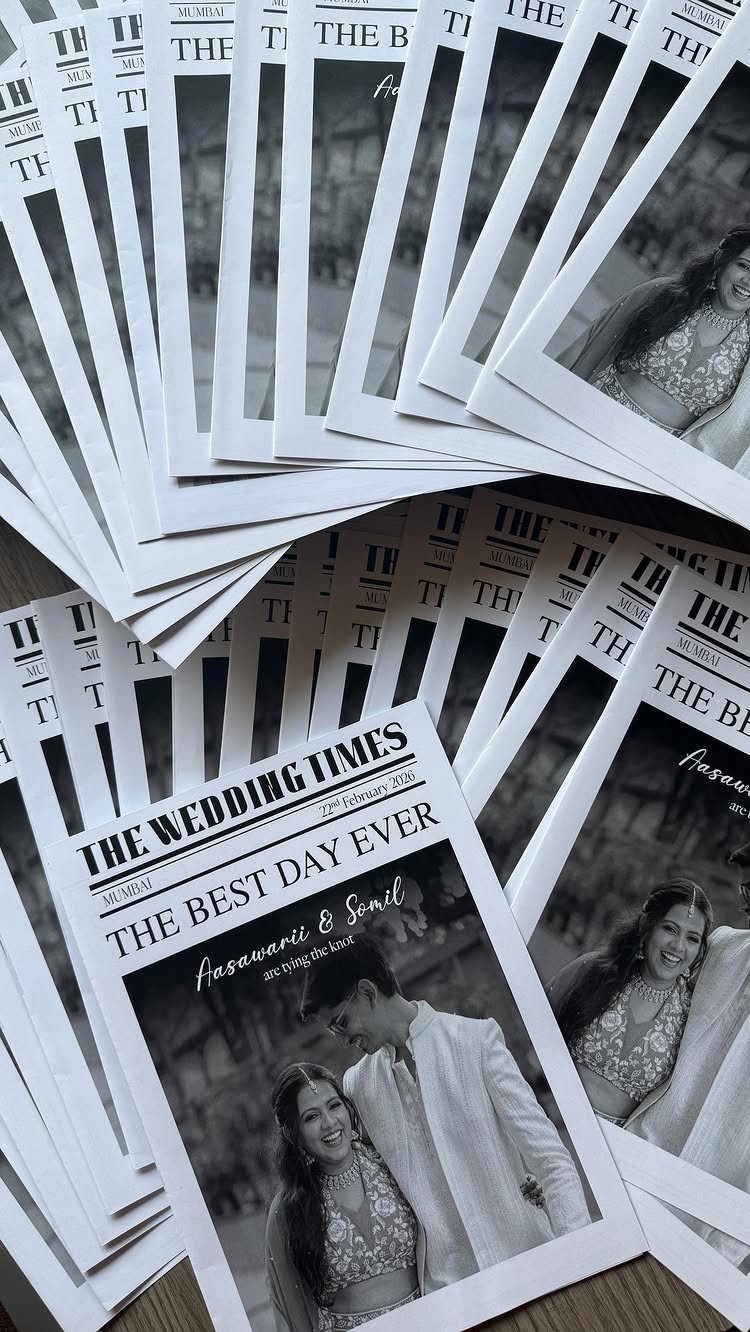
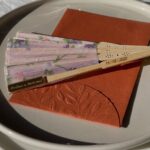
Spreading the papers in a fan shows off the cover at a glance, so guests see the photo and the headline before they touch one.
A cover with a strong black and white portrait and a bold line like "THE BEST DAY EVER" suits this display well.
Overlap the copies evenly, each shifted by the same amount, and anchor the bottom corner with a small weight or a stack underneath. Set the fan on a flat table near the entrance, and refill it as copies leave.
Printing Advice
A single printed proof, run off before the full order goes in, will show you trimmed edges, ink density and any typos the screen hid.
Circle it, highlight it, and check the folds, margins and alignment with a pen in hand, because screens hide problems that paper shows right away.
Save the file as a PDF and check its page dimensions against the printer’s spec sheet, since a mismatch of even a quarter inch can force a resize or a crop.
If the design has color or images running to the edge, include bleeds so no thin white strip shows after trimming.
Paper type and size decide whether the program looks professional or homemade, so settle both before you design anything. A size your printer doesn’t offer means resizing the whole layout later.
Plan on 10–15 spare copies beyond your guest count, because they get tucked into keepsake boxes, mailed to relatives and spilled on. Some will get smudged, and a few guests will want a second one to keep.
Customization Tips
Start from a template, then make it yours. Canva works well for this, and some template services offer a free online designer with hundreds of layouts to choose from.
Rename the paper first.
Then fill in the parts guests actually read: your love story or timeline, wedding party introductions, engagement photos, and the ceremony schedule with key moments marked.
Before exporting, proofread every name out loud, check alignment and spacing, and save as a PDF.
Choose the top print quality your printer sells, and if the printer asks for bleed, add it to the file so the ink runs cleanly to the trimmed edge.
Design Considerations
Pick your colors and type style from the wedding itself: the invitation, the flowers, the venue. A program that echoes those choices looks planned rather than bolted on.
If your wedding leans modern, a minimalist layout is a safe pick. Clean lines, plain typography and plenty of white space keep your story in front, and nothing competes with the photos.
Minimal also forgives budget limits, since it needs fewer graphics and less ink coverage to look finished.
Whatever you choose, pick one theme and let every page follow it.
Frequently Asked Questions
Where can I get wedding programs printed?
3 routes get it done: a neighborhood print shop, a printer that specializes in newspaper-style runs, or an Etsy seller who handles the printing after you send the file.
Whichever you pick, order one proof first and check its trimmed edges, ink density and typos on paper.
What type of paper is best for wedding programs?
Pick the stock and the trim size first, since those 2 choices set the look of the whole program, and a wrong guess shows.
If you want a vintage look, parchment specialty paper is one option sellers recommend for newspaper-style programs. Check that your printer actually offers your size, or you will have to resize the whole layout later.