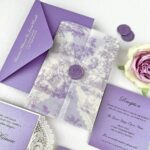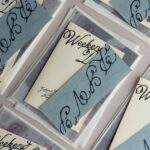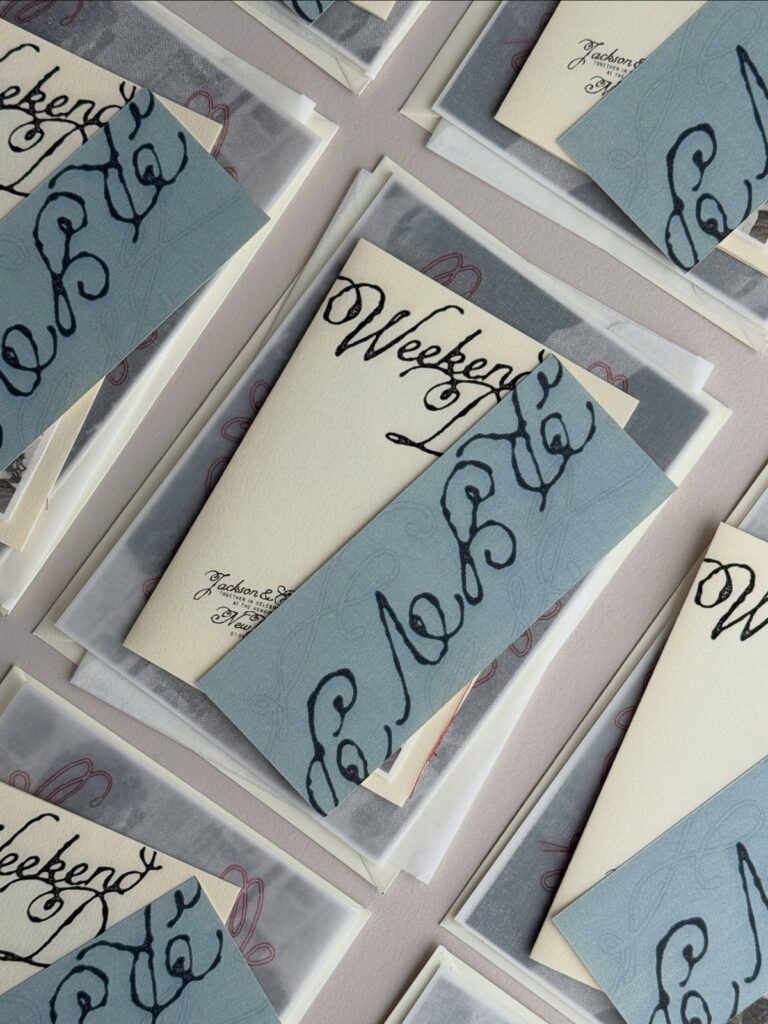
The scenes in this list run from a clear acrylic card held in a hand to a full invitation suite, with handmade paper, wooden planks, twine and kraft envelopes, and translucent vellum in between, and the right one depends on what your paper is selling.
If the material is the draw, whether handmade fiber, vellum or acrylic, pick the scene that lets that texture or transparency show. If you’re pitching a whole set, choose one that holds several pieces in the same light.
Thin strokes can vanish against a busy backdrop, and the floating acrylic and hands-holding-acrylic scenes show it fastest, so test your lightest lettering there first.
1. Full Invitation Suite Mockup
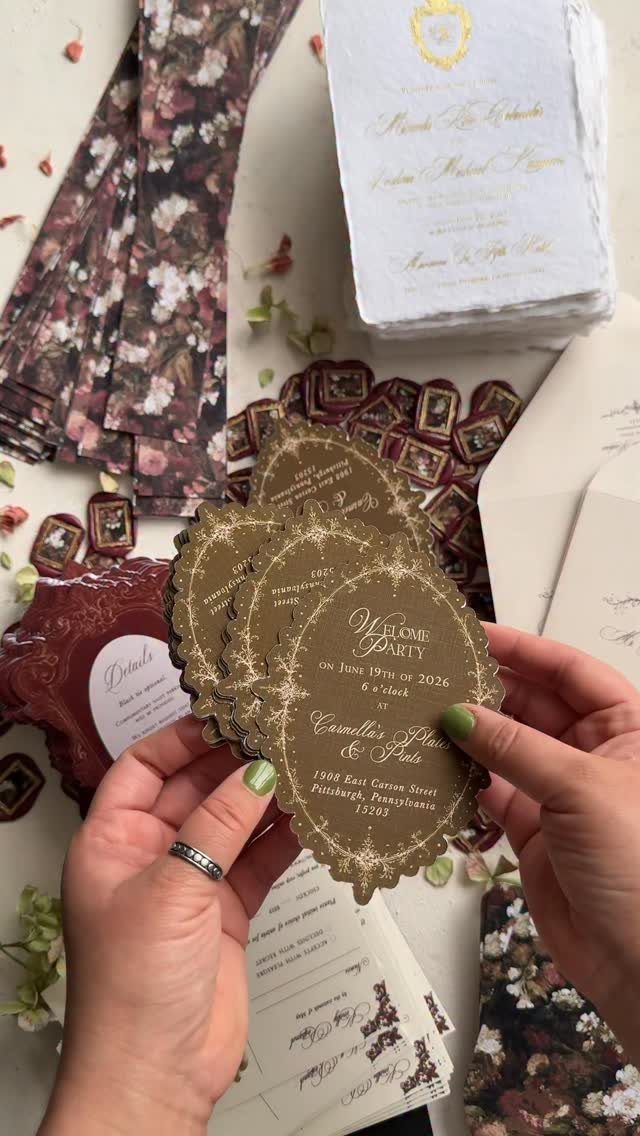
A full suite mockup earns its place when a client needs to see how the pieces relate.
The invitation, the envelope and the loose cards all sit in one frame, so color and typography have to hold together across every item.
Build the scene with the invitation as the hero and let the supporting cards peek out behind it. Give the envelope a deckle edge if your suite uses one, since that detail reads clearly at a glance.
Keep the template layers tidy so each piece swaps out on its own.
2. Floating Acrylic Stationery Mockup
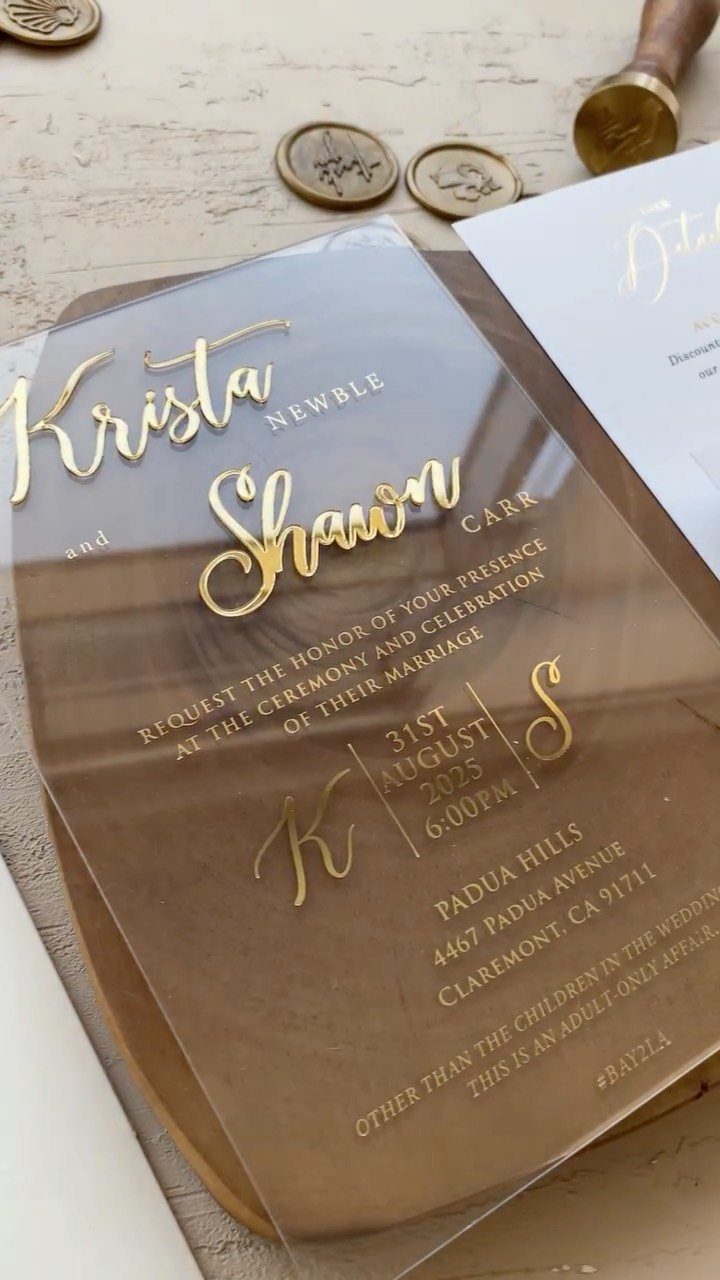
Clear acrylic is hard to present flat, and a floating mockup solves that by giving the lettering a surface to sit on and a shadow to prove it’s lifted.
Gold type on a clear sheet looks best against a warm wood backdrop like this one.
For your file, keep the text on its own layer and soften the shadow rather than darkening it. Wax seals nearby add a tactile accent without competing with the lettering.
Show white ink or foil options as a second version, since acrylic clients often ask.
3. Wooden Plank Stationery Mockup
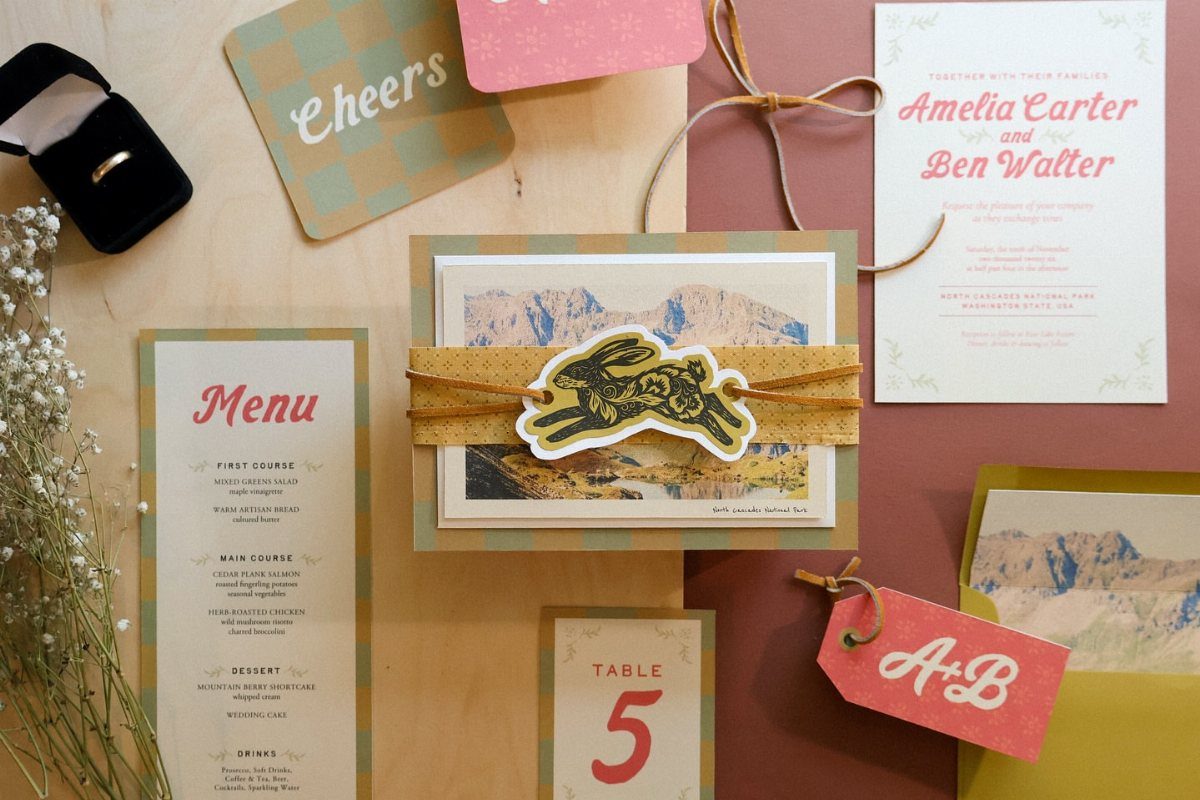
One plank-style scene can hold the invitation, menu and table card together, which makes it the most efficient choice for pitching a whole suite. Paste each design into its smart object and the lighting stays consistent across all three.
I like a light wood surface because it lets pale papers read clearly. A ring box and a few sprigs of baby’s breath give scale and a wedding context without crowding the cards.
Swap the names for your client’s before you export.
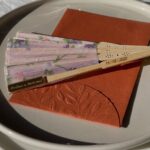
4. Handmade Paper Mockup
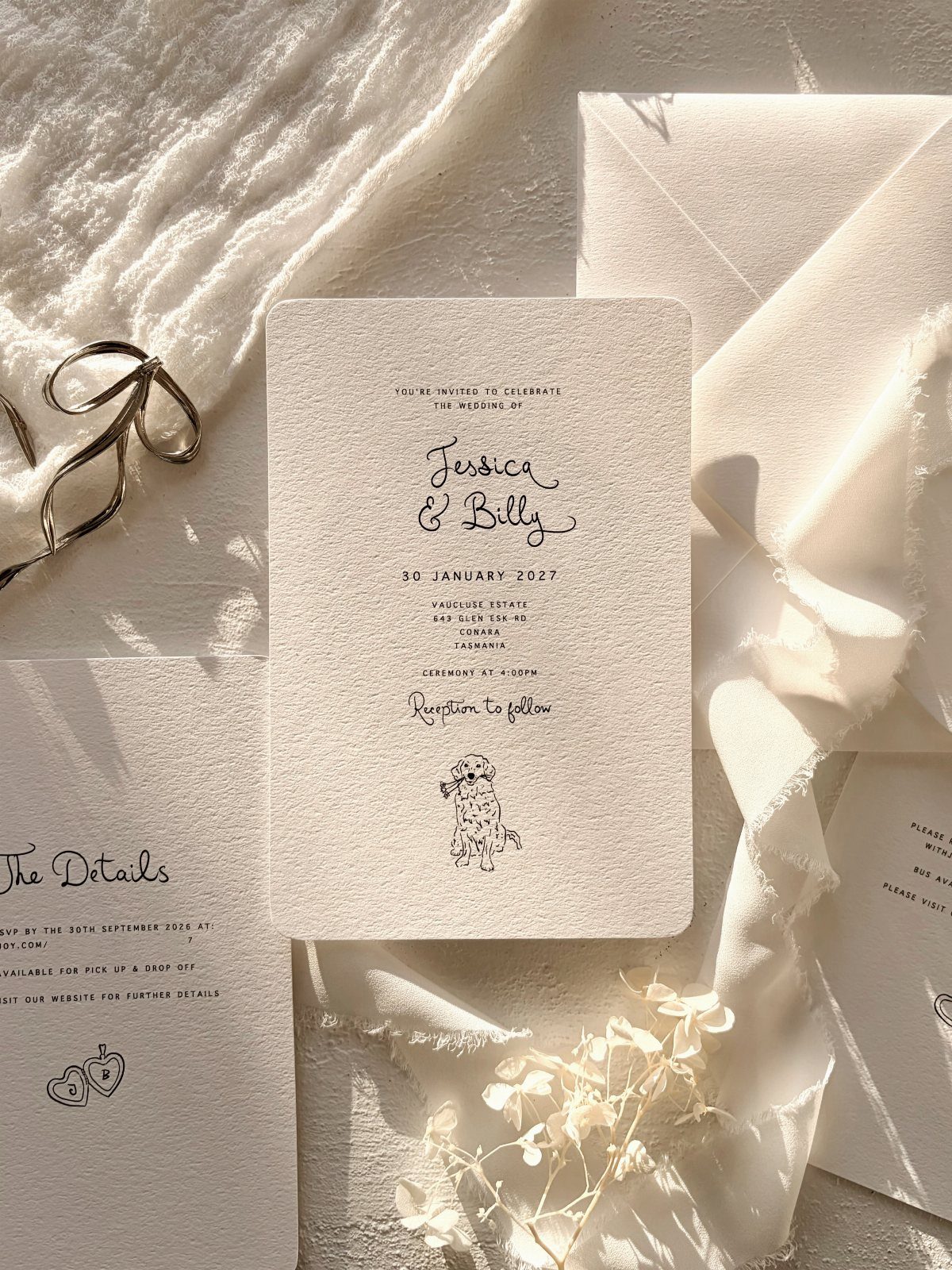
Handmade paper gets lost in a flat digital render, so a mockup needs texture and a touch of the real world.
Deckle edges, a soft fabric base and a few flowers tell the viewer this is tactile work before they read a word.
When you place your art, such as an illustration, keep its edges slightly imperfect so it sits naturally on the fiber. Include an envelope and a details card to show the suite is complete.
Pick this one if your paper is the selling point.
5. Invitations with Rounded Corners
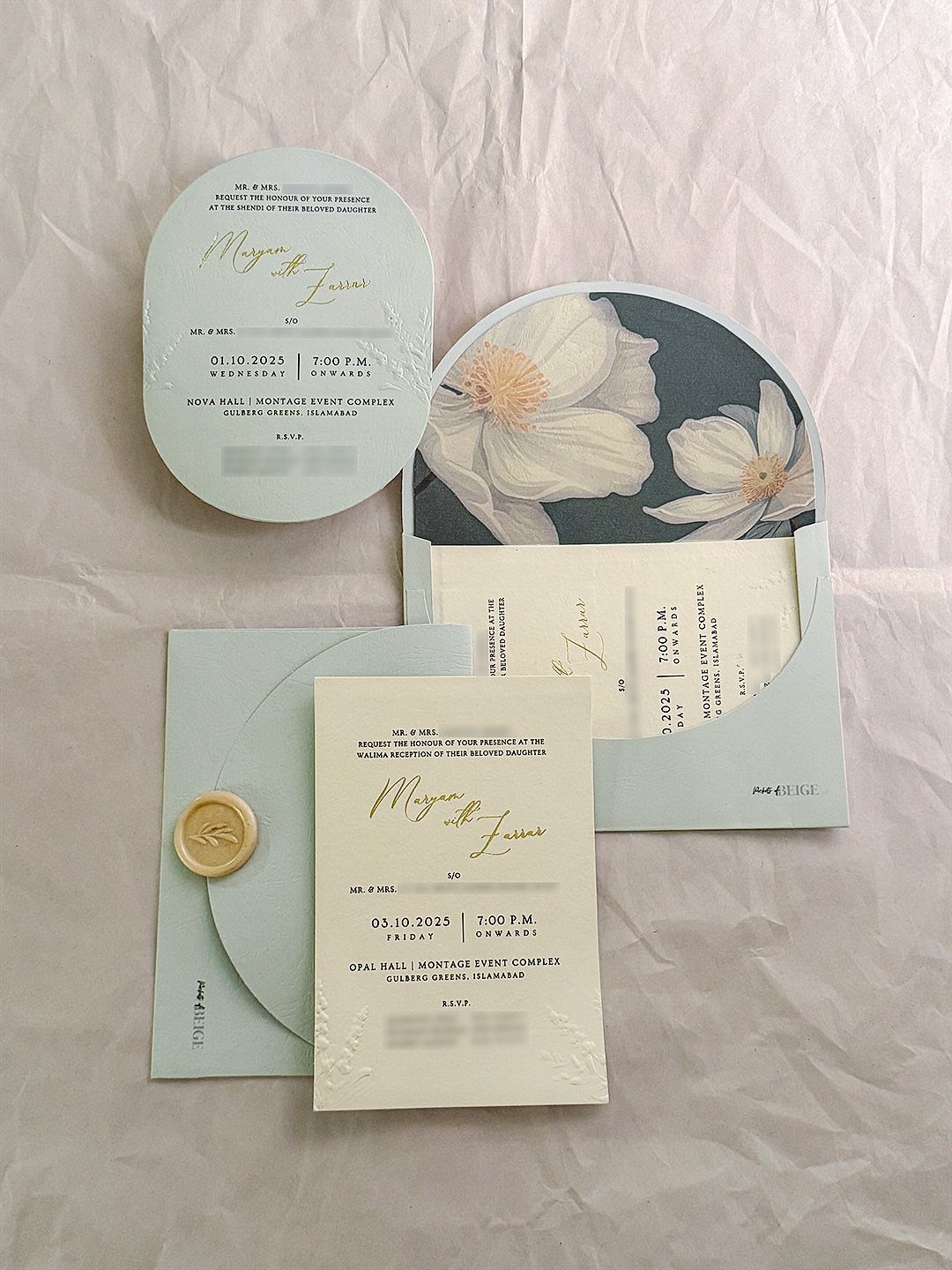
Rounded corners soften a card, and a mockup should prove it with enough angle and light to catch the curve.
Rounded corners can run from a gentle 1/8-inch radius to a full arch, so mock up both before you pay for a custom die, since the arch usually costs extra and needs an envelope cut to match.
On white wrinkled fabric, the shadows around each corner do the work, so keep them subtle and consistent. Check that your die line matches the corner radius you actually plan to cut, or the presentation promises something you can’t print.
Multiple events, like a mehndi and a reception, fit neatly into one set.
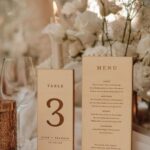
6. Table Numbers and Place Cards Mockup
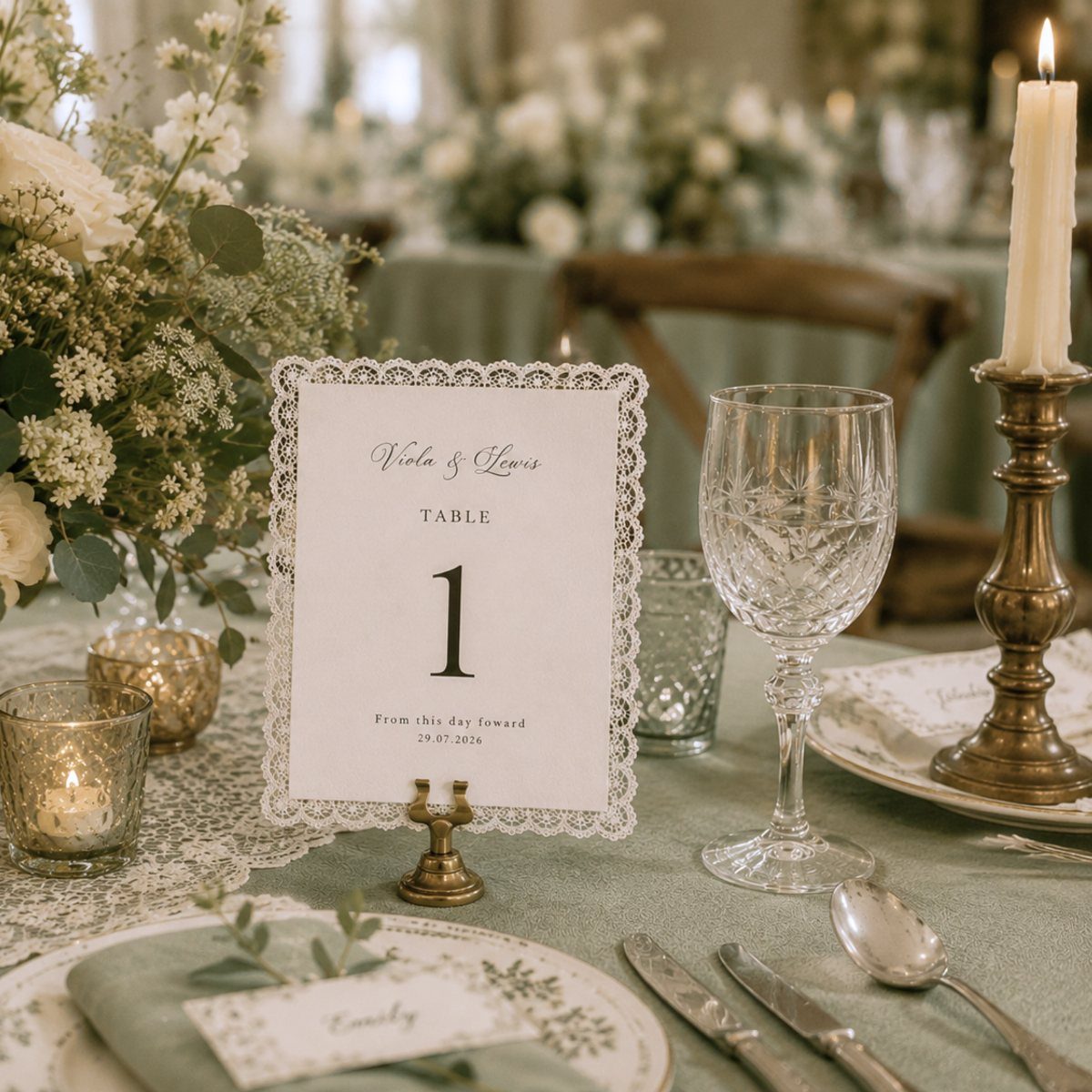
Table numbers and place cards belong in a styled setting, because guests meet them beside glassware and candles, not on a blank page.
Table numbers and place cards read best as a pair, so give them one shared border, color or texture, and keep the number larger (around 5 x 7 inches) than the place card (around 2 x 3.5 inches).
Design them with matching type and a shared border so the pairing is obvious. A green tablecloth gives strong contrast for pale cardstock.
Add a second guest name or table number in your template, so clients can picture the full room.
7. Wedding Stationery Mockup
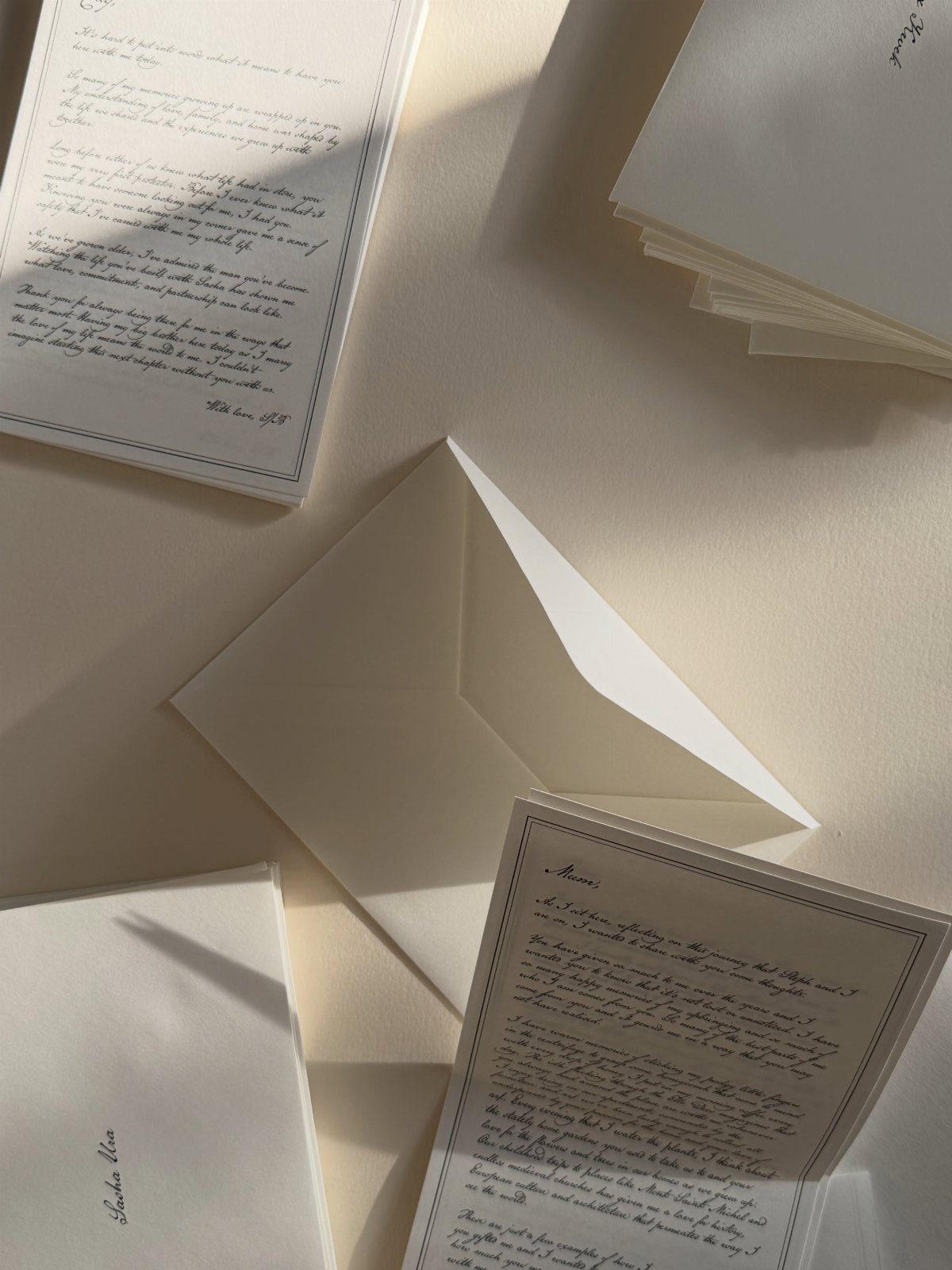
A flat lay with a few loose letters and an open envelope suits a designer who wants the paper to look written to someone.
Handwritten notes beside the printed cards make the scene feel personal, so use real script for the notes rather than a stock font.
Keep the surface neutral and the light soft, so a client’s palette reads true. Put each card on its own layer, and change the names and sign-off before you send it.
8. Twine and Kraft Envelope Mockup
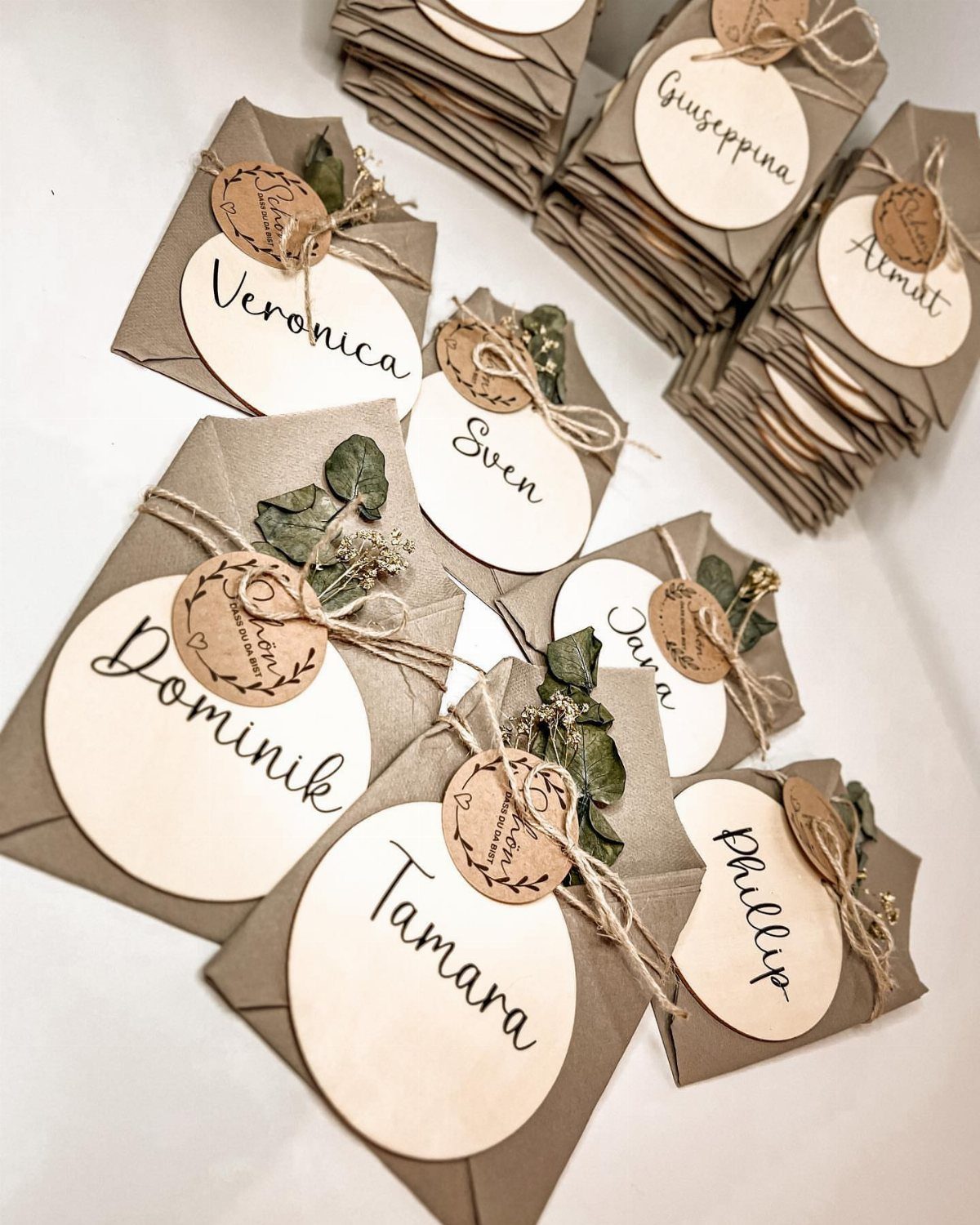
Kraft envelopes tied with twine and tagged with first names sell a rustic suite faster than any flat render. Names like Almut and Giuseppina also stress-test your lettering, since long and short names space differently on a small oval.
I would keep the white backdrop plain so the brown paper and dried leaves carry the mood. Make the tag text editable, and let the client’s real guest names go in before you present.
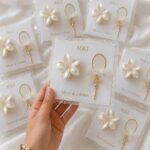
9. Hands Holding Clear Acrylic Invitation
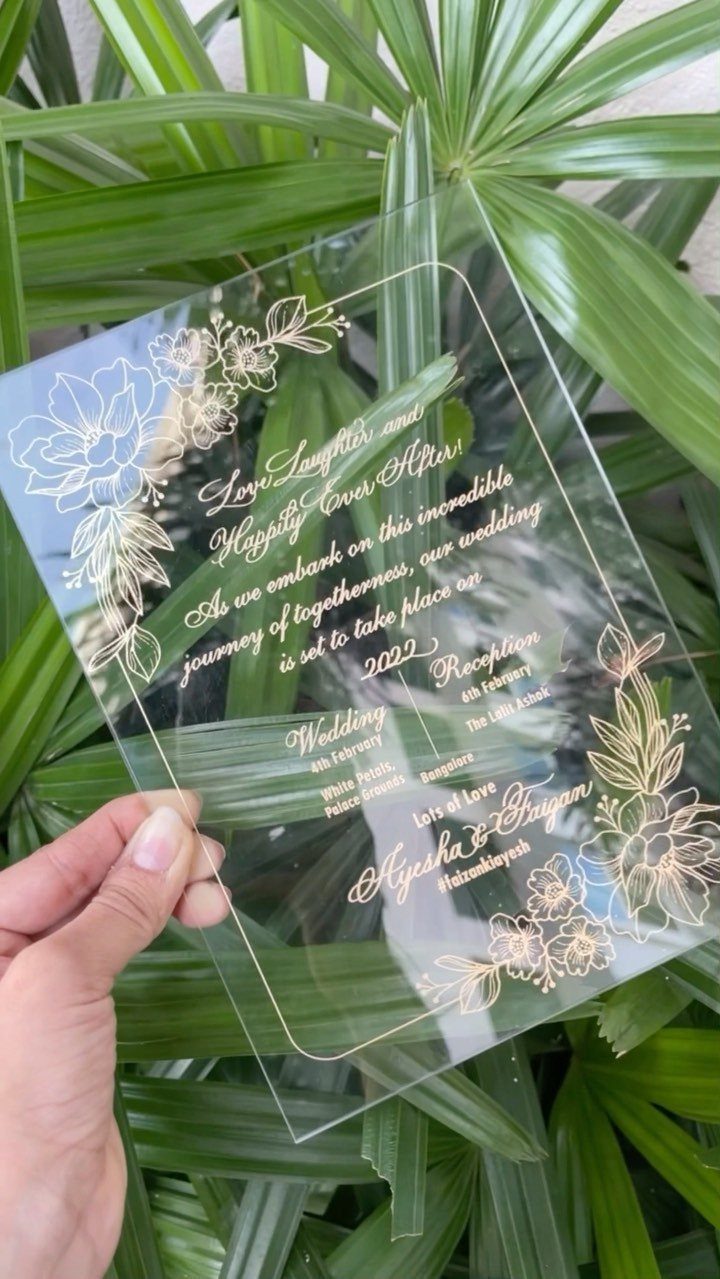
Held in a hand, clear acrylic finally shows its scale and its transparency. Clear acrylic shows whatever sits behind it, so test fine gold calligraphy and delicate florals against a busy backdrop before you commit, since thin strokes can vanish.
Render both names crisply and keep the artwork on its own layer, so the background can change to suit another palette. Hands also tell the client how big the card is, which a flat file never does.
10. Reception Table Setting Menu Display
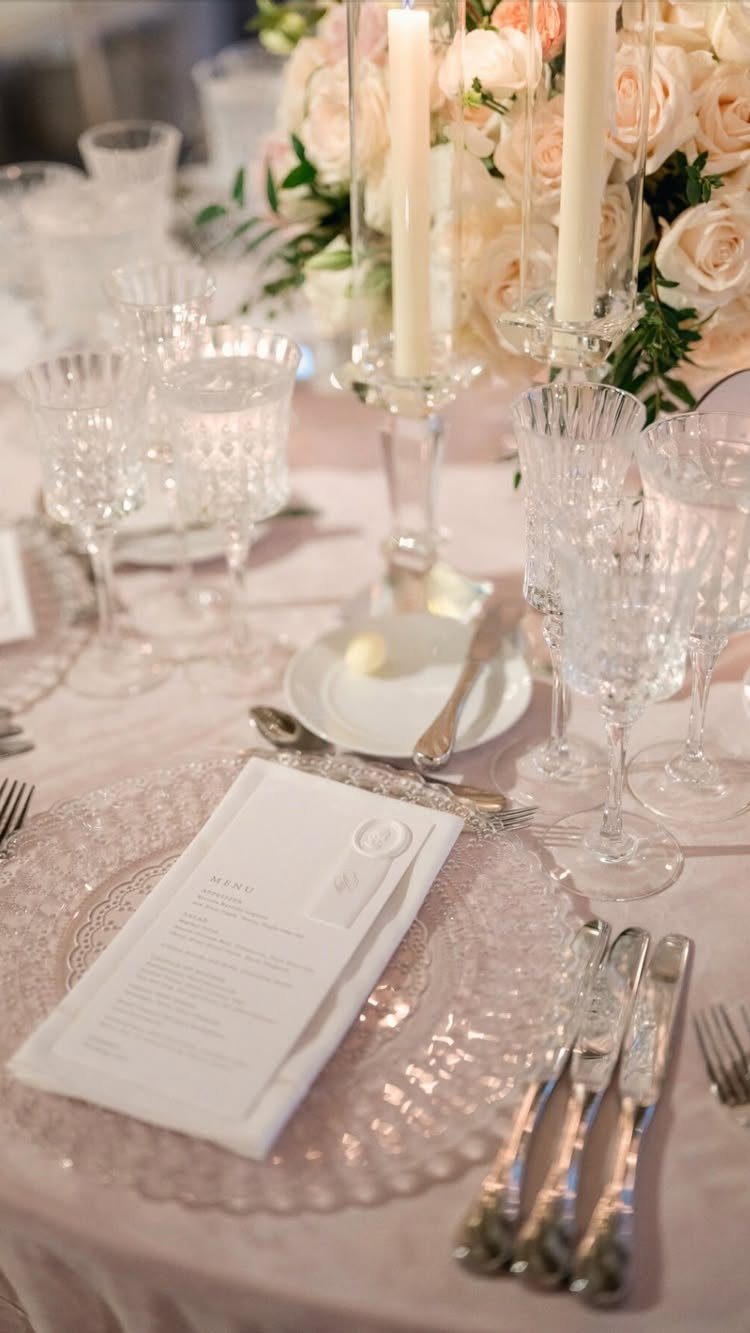
A menu on a glass charger plate belongs at the place setting, and a mockup should put it there.
Crystal glasses, white candles and pale roses give the card its real setting, and the word MENU needs to stay readable against the glass.
Pale roses keep the palette calm, so a dark or colored ink will stand out. Frame it as a close-up, and make the menu text editable so a client can drop in their own courses.
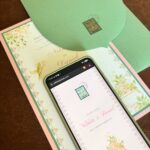
11. Stationery Suite with Translucent Vellum
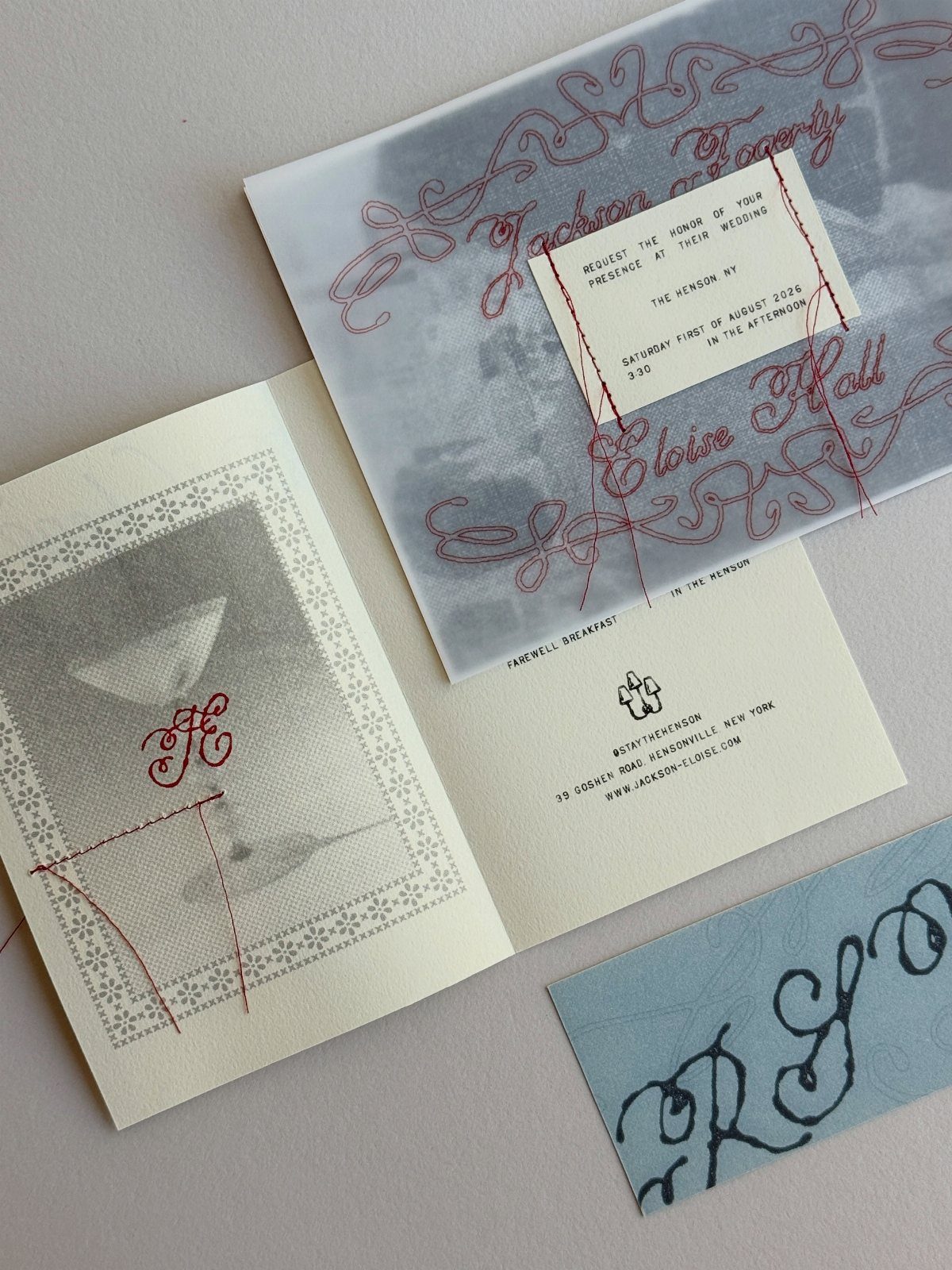
Vellum earns a spot in a flat lay because its sheerness is the whole sell. Lay a sheer overlay with calligraphy over a printed card and the layered look comes through at once.
Set the overlay’s opacity low enough that the card beneath shows, and check that the 2 layers don’t fight each other. Add a monogrammed card and a second calligraphy color if you want to show range.
Importance of Mockups
A flat file can’t show what couples look for when they browse real stationery: weight, texture, the way light falls across a card.
A mockup closes that gap, so the client judges your design as a finished object instead of a screen graphic.
Pick scenes with realistic lighting and believable styling, then present them the way a studio photo would be shown: one clear image per slide, no clutter around it.
Check that your mockup file opens in the software you already use. PSD, Affinity and Procreate are all supported by some packs, which saves you from converting anything mid-project.
Customization Options
Color is the first thing to customize, and restraint helps. A multicolor design that looks lively on screen can become a headache in print, so show the client a version in one or two ink colors alongside the full-color one.
Test the same design on more than one background before you settle. The scene should flatter the palette, not fight it.
Keep a few layout variations ready, such as a single card and a full set. Offering two or three options in the same lighting makes a decision easier for a client than a pile of unrelated scenes.
User-Friendly Design
Smart layers are what make a mockup quick. Open the file, double-click the smart object, paste your design, save, and the scene updates with the lighting and perspective already built in.
Before you buy, confirm the file works in your program, since PSD, Affinity and Procreate are not always all included. Then run a test with a real design.
Name your layers as you go and keep one master copy untouched. Once a client asks for a change, you can edit one object and re-export in minutes, instead of rebuilding the scene.