Ideas here run from a free countdown timer to a digital guestbook and an editorial portrait hero layout, and the one that fits depends on how much of your budget and time you can spare for a single feature.
Features that cost nothing on most website builders, like the countdown timer and the calendar display, suit a modest budget; a digital guestbook or a pro-shot hero portrait needs a price first.
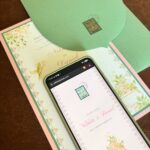
An NFC tag on the invitation that opens the RSVP form with a tap sits in the middle, and I would still print a web address beside it for older relatives.
1. Digital RSVP

An NFC tag stuck to the invitation turns the card itself into the RSVP button. Guests tap and hold a phone to it, and the reply form opens with no website address to type.
For a couple on a deadline, that saves chasing answers by text. Not every guest will know what the sticker does, so a brief instruction like the "Tap & hold your phone to RSVP" printed beside the tag earns its space.
I would still add a printed web address or a QR code as a backup for older relatives.
2. Digital Guestbook
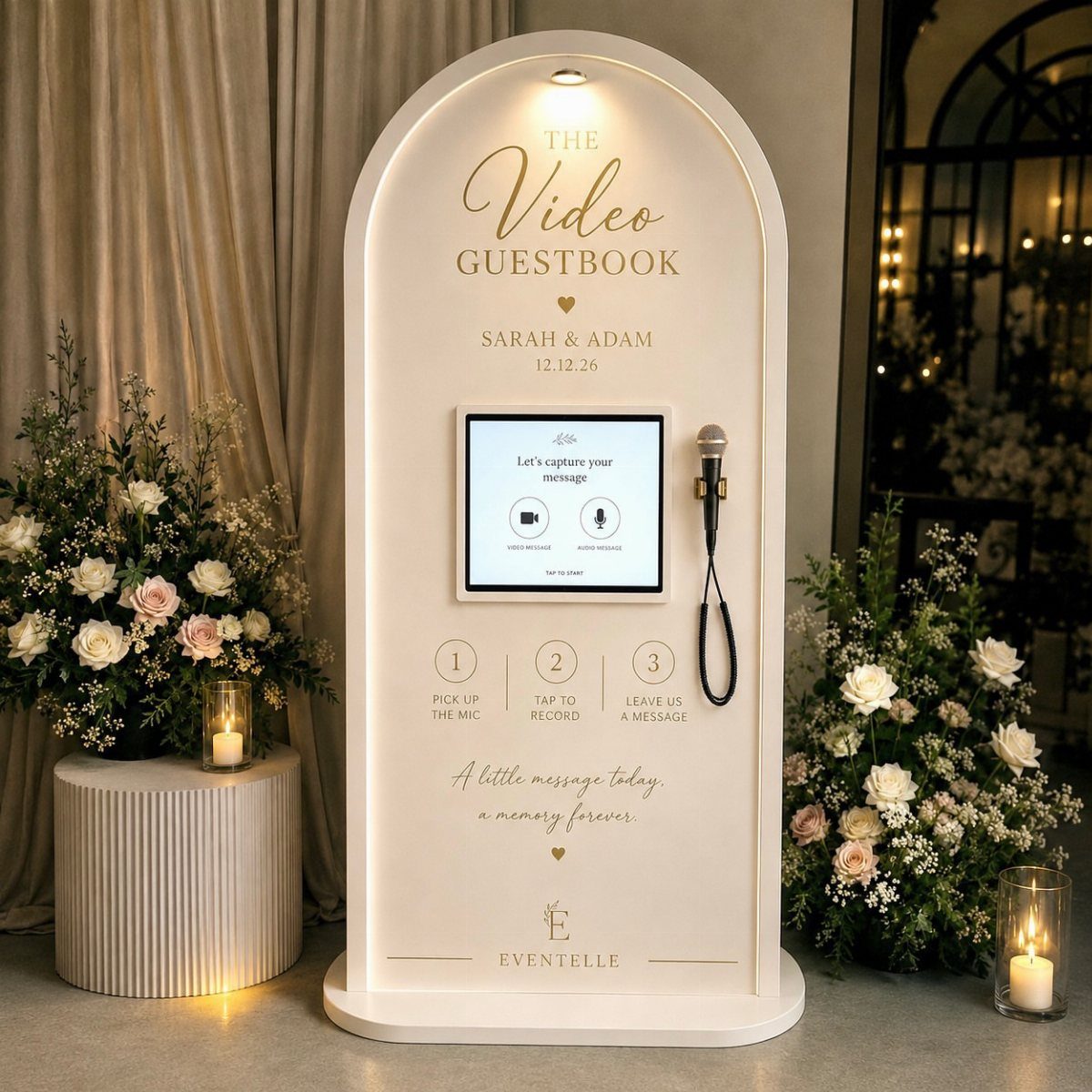
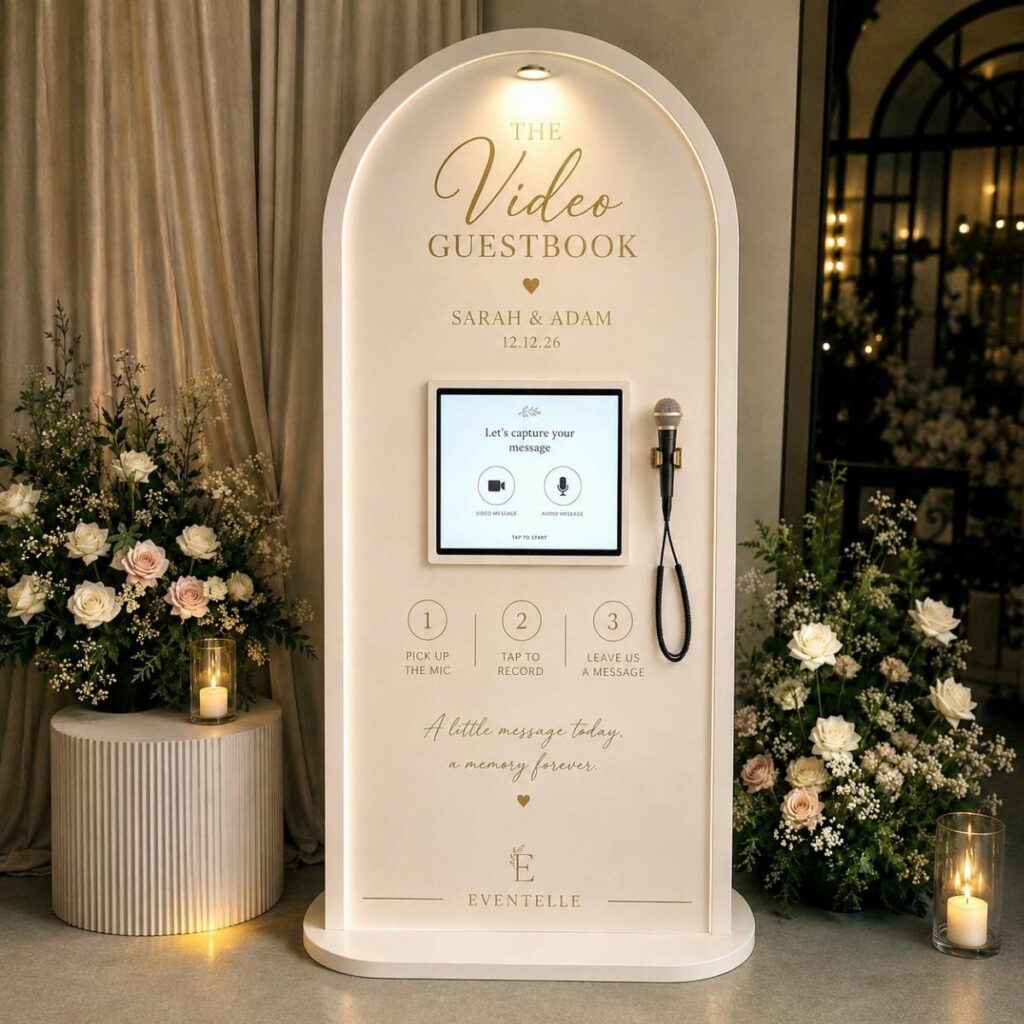
A video guestbook swaps the pen and the bound book for a screen and a microphone, so guests leave a spoken message instead of a scribbled line.
I like it because a voice and a face outlast a signature, and you can replay them on your first anniversary.
A kiosk like this one takes up floor space and probably comes with a rental fee, so get a price on it and set it next to the cost of a classic guest book before you decide.
Put it somewhere quiet, away from the speakers, so the audio comes out clear.
3. Countdown Timer
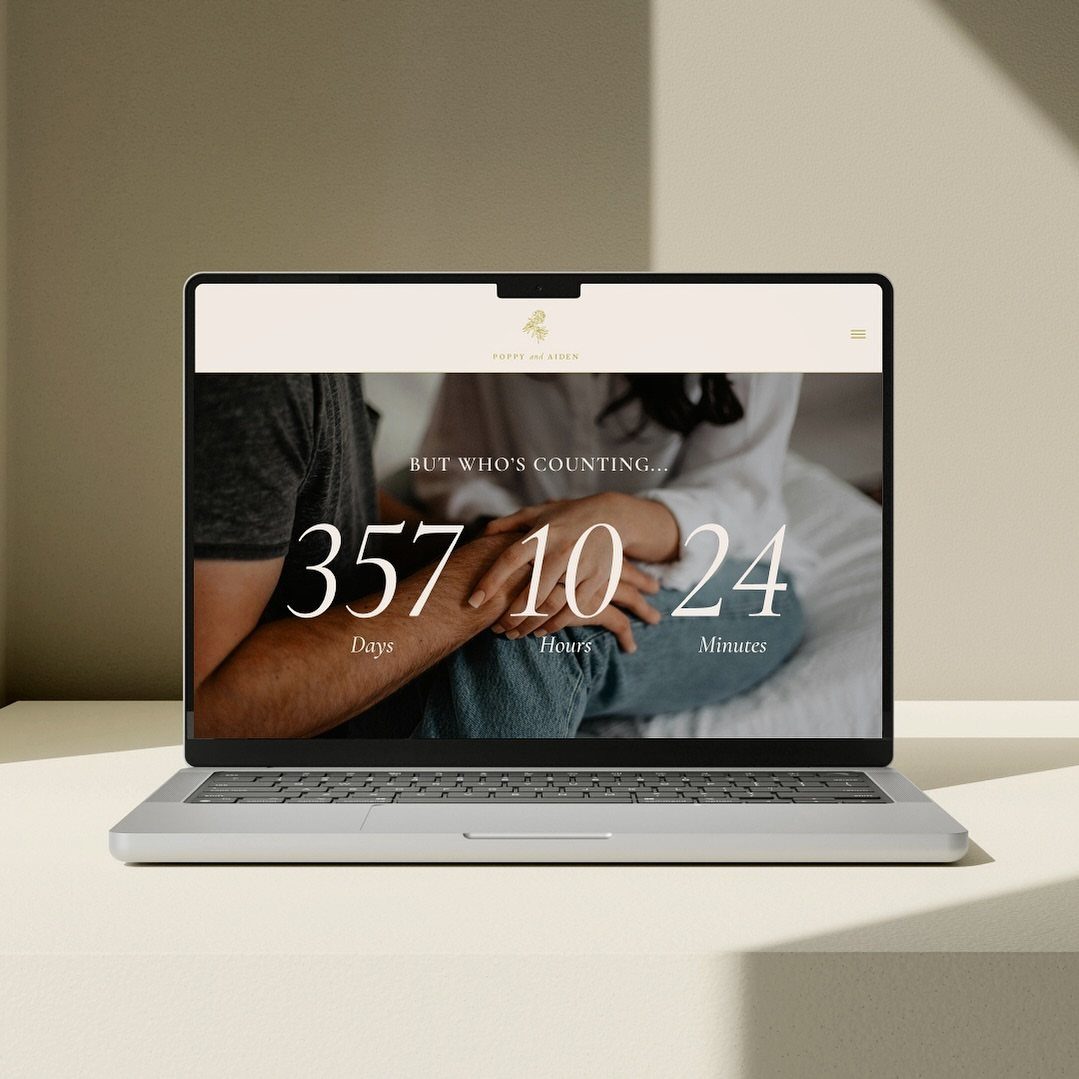
Few things on a wedding website work as hard as a live countdown. It ticks in days, hours and minutes, so the date stays in front of every guest who opens the page.
Place it over your best couple photo, near the top, where it is seen first. It costs nothing on most website builders, which suits a modest budget.
Check the date and time zone you enter, since a wrong setting makes the number wrong for everyone.
4. Editorial Portrait Hero Layout
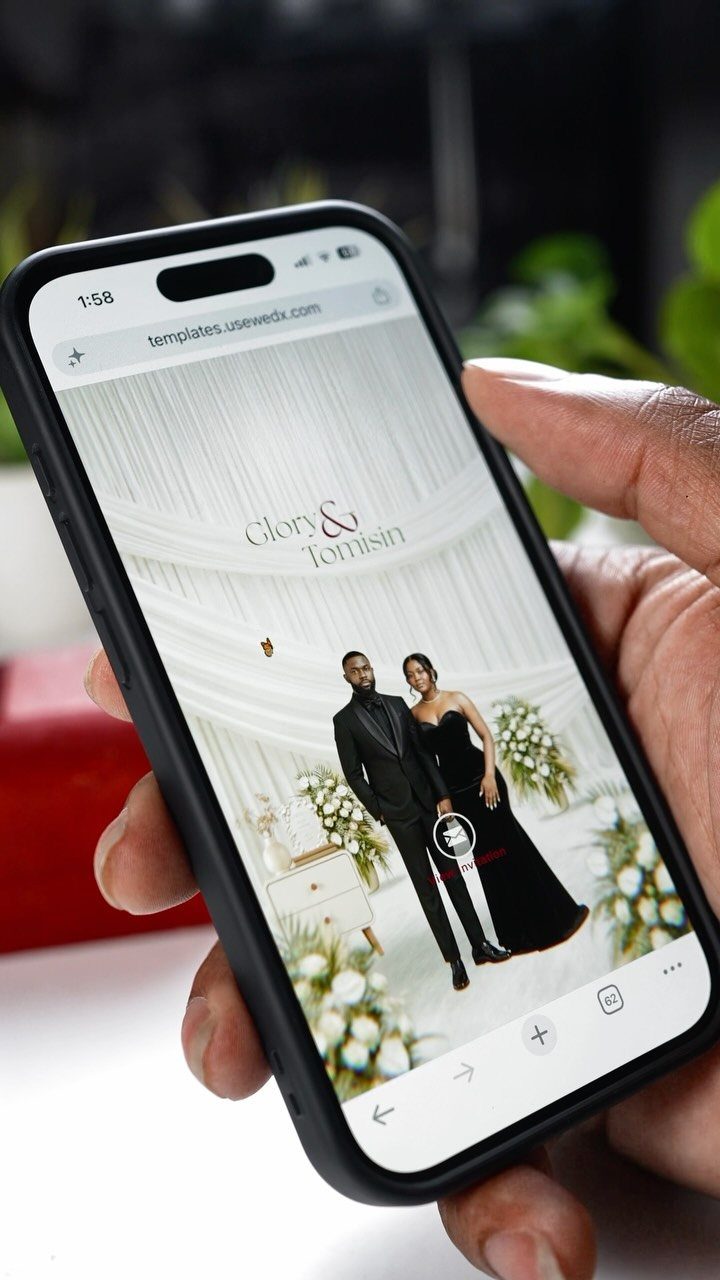
A full-screen portrait of the two of you, with your names in script lettering across it, makes a first impression before anyone reads a word. Black formal wear against a plain, draped backdrop keeps the focus on faces.
Pick a photo with empty space around the couple so the names stay readable. Check the layout on a small screen first, since most guests will open your site on a phone.
A professional portrait costs more than a snapshot, and I think it is worth it for this one spot.
5. Digital Invitation and Calendar Display
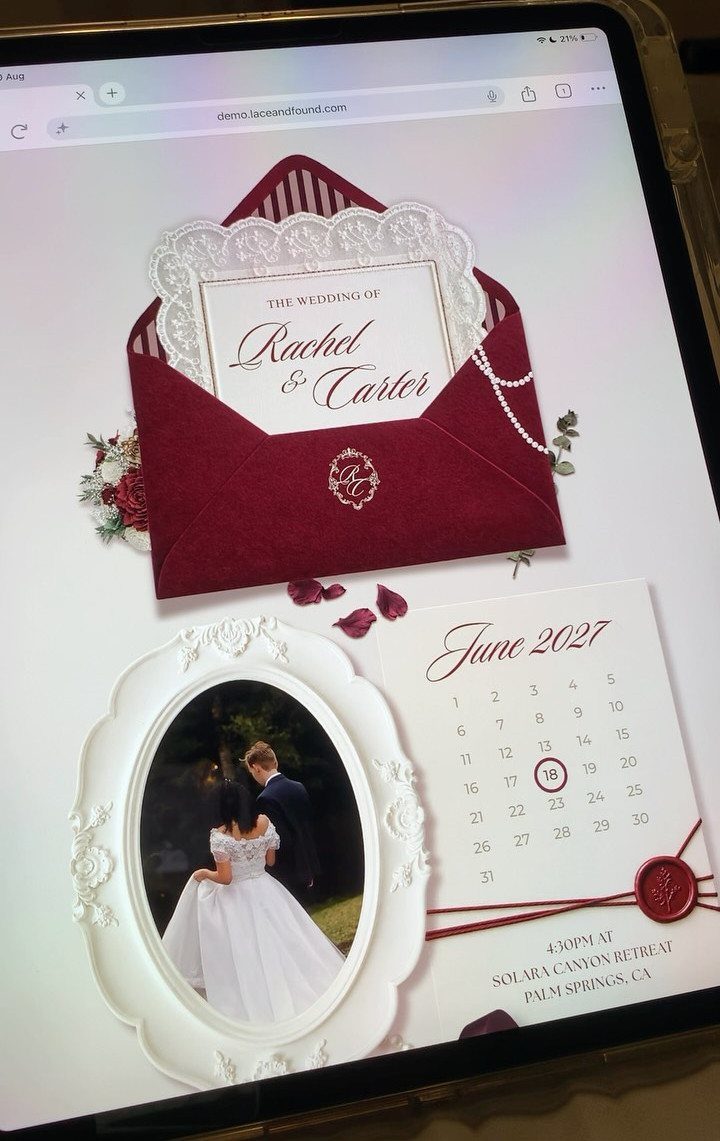
An invitation that sits inside a virtual envelope gives the website the feel of paper mail, and a calendar beside it makes the date impossible to miss.
Choose an envelope color that matches your palette; burgundy against a light page reads richly. Guests can then glance at the month, see the day marked, and, if the calendar allows it, save the event to their own phone.
Test the save-to-calendar button yourself before sending the link out.
Benefits of a Wedding Website
A wedding website works as the one place where every detail lives, so a lost save the date stops mattering. Months before the wedding, guests can open the page whenever they need a date, an address or a hotel name.
Ask for mailing addresses inside the RSVP form. That single field saves you hours of chasing people when thank you notes come due, and nobody gets skipped.
Meal choices collected online go straight into a list you can sort, which beats retyping paper replies into a spreadsheet.
If plans change, one edit updates what every guest sees. Put your registry details on the same site, so guests have one link instead of several.
Choosing a Platform
Look past the templates. A pretty design will not save you time later, but the right tools will.
Ease of use counts too: if you are fighting with code or a clumsy layout, pick a different builder.
Next, look at what the platform offers for RSVPs and whether it links out to your registries. A good platform lets guests reply, state meal preferences and find your registry without leaving the site.
For a destination wedding, the requirements grow.
Look for links to hotel booking pages, a map of the venue and room for a multi-day itinerary. If a platform lacks those, guests will end up texting you for directions and room details.
Common Mistakes
Hiding the RSVP button is the costliest mistake. Put it where a guest sees it without scrolling or hunting through menus.
Outdated information comes second. Set a reminder to reread every page after any change in plans, and post the final schedule once it is settled.
A short reminder with the link, sent a couple of weeks ahead of the RSVP deadline, will catch the guests who forgot.
Finally, open the site on a phone, and ask a friend to try it on a different one. Click every button and read every page as a guest would, then fix whatever trips them up before you share the link.
Frequently Asked Questions
What should I include on my wedding website?
Start with the date, time, location, an RSVP form and your registry details, since those answer most guest questions. Add a hotel name or booking link, a venue map and a schedule if guests travel.
Put an address field right in the RSVP form, and the thank you note list builds itself as replies come in, with no chasing anyone down in the weeks after the wedding.
When should I start creating my wedding website?
Start once the date and venue are booked, and ideally before the save the dates go out so the web address can be printed on them.
Guests then have travel and hotel details right away. For a destination wedding, earlier is better, because people need time to budget, check passports and request time off.
Which is the best wedding website builder?
It depends on your needs, so judge builders by ease of use and tools rather than templates.
The Knot, Zola, Minted and Squarespace all work, and if a builder keeps fighting you with clunky layouts or code, I would move to another one early instead of forcing it.
Do I need a wedding website if I have invitations?
Yes, because a card can’t hold everything.
The site gives guests one place for dates, addresses, hotel names and registry links, and one edit updates what everyone sees if plans change. It also cuts the texts you get asking for directions and details.
What are the most common wedding website mistakes?
A buried RSVP button does the most damage; I would put it on the first screen of the home page, where nobody has to scroll or open a menu to find it.
Stale details come second, so after any change in plans, read each page again from top to bottom.
Before the link goes out, pull the site up on your own phone and tap every button, then hand it to a friend with a different device and watch where they stumble.